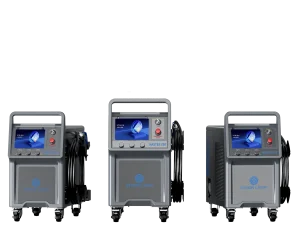
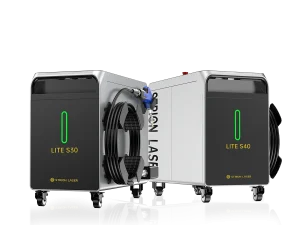
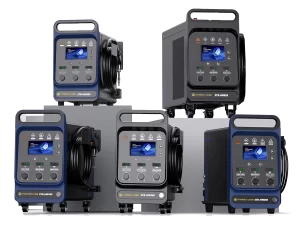
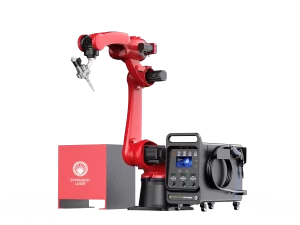
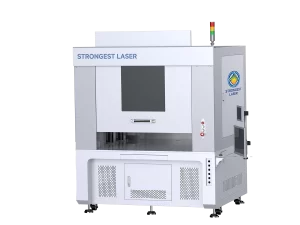
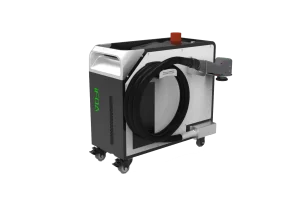
Handheld laser welding machines have become a game-changer in the field of metal fabrication. With their ease of use, precision, and speed, these devices are widely used in industries such as automotive, aerospace, electronics, and general manufacturing. However, to ensure consistent performance and prolong the lifespan of your equipment, regular maintenance is essential.
Neglecting maintenance can result in poor weld quality, frequent downtime, or even irreversible damage to sensitive components. In this article, we’ll share expert-recommended maintenance tips that will help extend the life of your handheld laser welder, reduce repair costs, and ensure optimal operation for years to come.
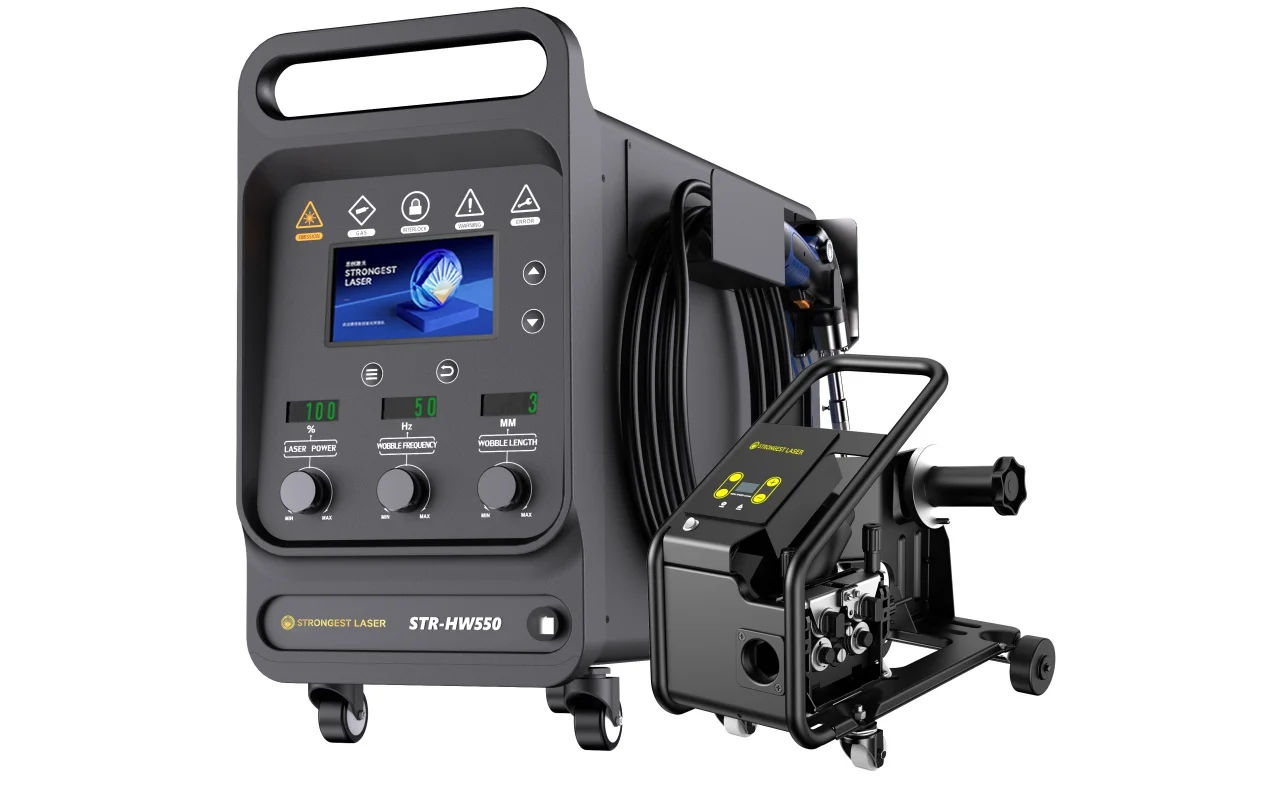
1. Understand Your Machine First
Before beginning any maintenance routine, it’s crucial to understand your specific laser welding model. Each manufacturer may have slightly different designs, laser sources (fiber, diode, etc.), cooling systems, and safety features.
- Reading the user manual thoroughly. Understand component layout, maintenance intervals, and safety instructions.
- Identifying critical components like the welding head, laser source, fiber cable, protective lens, and cooling system.
- Learning the signs of wear and malfunction specific to your model.
Familiarity with your machine will make you more confident and accurate in your maintenance efforts.
2. Daily Maintenance Routine
Daily care is the foundation of long-term equipment health. Spending just a few minutes before and after each use can dramatically reduce the likelihood of failures.
Daily tasks should include:
Visual Inspection Before Use
- Check for loose connectors, cracked casings, or damaged fiber cables.
- Inspect the welding head nozzle for signs of spatter buildup or deformation.
- Make sure buttons and touchscreens are responsive and clean.
Clean the Nozzle and Protective Lens
Laser spatter can accumulate on the nozzle or lens during operation, reducing beam quality.
- Use a lint-free cloth and optical cleaning solution to clean the protective lens.
- Inspect the nozzle aperture for deformation and replace it if necessary.
- If applicable, check the shielding lens inside the welding head.
Check Gas Flow and Pressure
A stable and clean protective gas flow (argon or nitrogen) is critical to prevent oxidation and ensure weld quality.
- Confirm gas pressure matches the recommended values.
- Ensure the gas line is leak-free and connected tightly to the welding gun.
Monitor the Cooling System
Laser systems generate a significant amount of heat, which is dissipated by the internal water chiller or cooling unit.
- Check the water level and temperature.
- Ensure there are no coolant leaks.
- Make sure the cooling fans are spinning freely and not blocked by dust.
Warm-Up Test
Before extended welding sessions, perform a short laser test to confirm:
- Stable beam output
- Normal welding sound
- Responsive arc ignition
3. Weekly or Periodic Maintenance
Beyond daily checks, your laser welder also requires periodic deep cleaning and inspection to maintain its long-term reliability.
Every 1–2 Weeks:
Clean the Internal Optics
The collimating and focusing lenses may accumulate dust or slight film over time.
- Remove and clean lenses with approved optical lens wipes.
- Avoid touching the lenses with bare hands.
Inspect the Fiber Cable
Laser transmission depends heavily on a clean, undamaged fiber cable.
- Avoid sharp bends or crushing the fiber.
- Visually inspect the connectors and sheathing for signs of wear.
Flush or Replace Cooling Water
If the unit uses distilled water, it should be flushed every few weeks or as needed to prevent bacterial buildup.
- Add anti-corrosion or antifreeze agents if recommended.
- Clean the filter or internal tubing if water appears discolored.
Clean Air Filters and Vents
Dust buildup can impair cooling efficiency and lead to overheating.
- Remove and wash air filters or vacuum external vents.
- Keep the ventilation path clear and free from obstruction.
Software/Firmware Check
If your handheld laser welder has a digital interface or PC connection, check for:
- Software updates
- Firmware patches
- Diagnostic logs or system errors
4. Environmental Best Practices
The surrounding environment has a direct impact on the performance and durability of your laser welding system. Following a few simple best practices can prevent environmental damage:
Keep the work area clean and dust-free.
Dust particles can settle on lenses, circuit boards, or fans.
Avoid high humidity or corrosive environments.
Moisture can cause electrical shorts or corrosion of metal parts.
Ensure good grounding.
Prevent static buildup or power surges by using a properly grounded power supply.
Store the machine properly when not in use.
Use the original casing or a dry, sealed storage area to protect it from physical damage or moisture.
5. Safety and Handling Tips
Maintenance should always be performed with safety as the top priority. Handheld laser welders generate intense beams and should be treated with the same care as any high-powered industrial equipment.
- Always wear certified laser safety glasses when inspecting or cleaning optical components.
- Power off the system and disconnect from power before cleaning or replacing parts.
- Do not attempt internal repairs unless trained or authorized — laser systems contain high-voltage components and delicate optics.
6. Signs That Maintenance Is Needed
Recognizing early warning signs can help you prevent more serious failures or costly repairs.
Watch for:
- Decreased weld penetration or uneven bead formation
- Laser output instability (fluctuating arc or inconsistent ignition)
- Overheating, even with minimal usage
- Visible oxidation or porosity in finished welds (could indicate poor gas flow)
- Unusual noise from the fan or water pump
If these signs occur repeatedly, inspect and clean the relevant components — or contact technical support.
7. When to Seek Professional Support
Despite best efforts, some issues require manufacturer support or specialized tools.
Seek professional help if:
- Your laser output drops below acceptable range even after cleaning
- The software indicates internal system errors
- You’re performing an annual system recalibration
- You’re considering upgrades or retrofits (e.g., switching optics or nozzles)
Preventive servicing once per year — even if the machine is running well — is often recommended to keep everything calibrated and aligned.
8. Conclusion
Maintaining your handheld laser welder doesn’t need to be complicated, but it does require consistency. By following the daily, weekly, and periodic maintenance tips outlined above, you can:
- Extend the operational life of your machine
- Reduce unplanned downtime
- Improve weld quality
- Ensure operator safety
- Protect your equipment investment
At STRION LASER, we believe in not only delivering advanced, user-friendly laser welding solutions but also equipping our clients with the knowledge to keep their machines running at peak performance. Our laser welders are engineered for reliability, and with proper care, they’ll continue to deliver precision welding for years to come.
Need help with maintenance, training, or selecting the right handheld laser welder for your needs? Contact STRION LASER today — your trusted partner in laser welding technology.